NatusAI

Live demo
Municipalities
Local Government
Resident requests, public transport, parking and public works in one place.
View use case

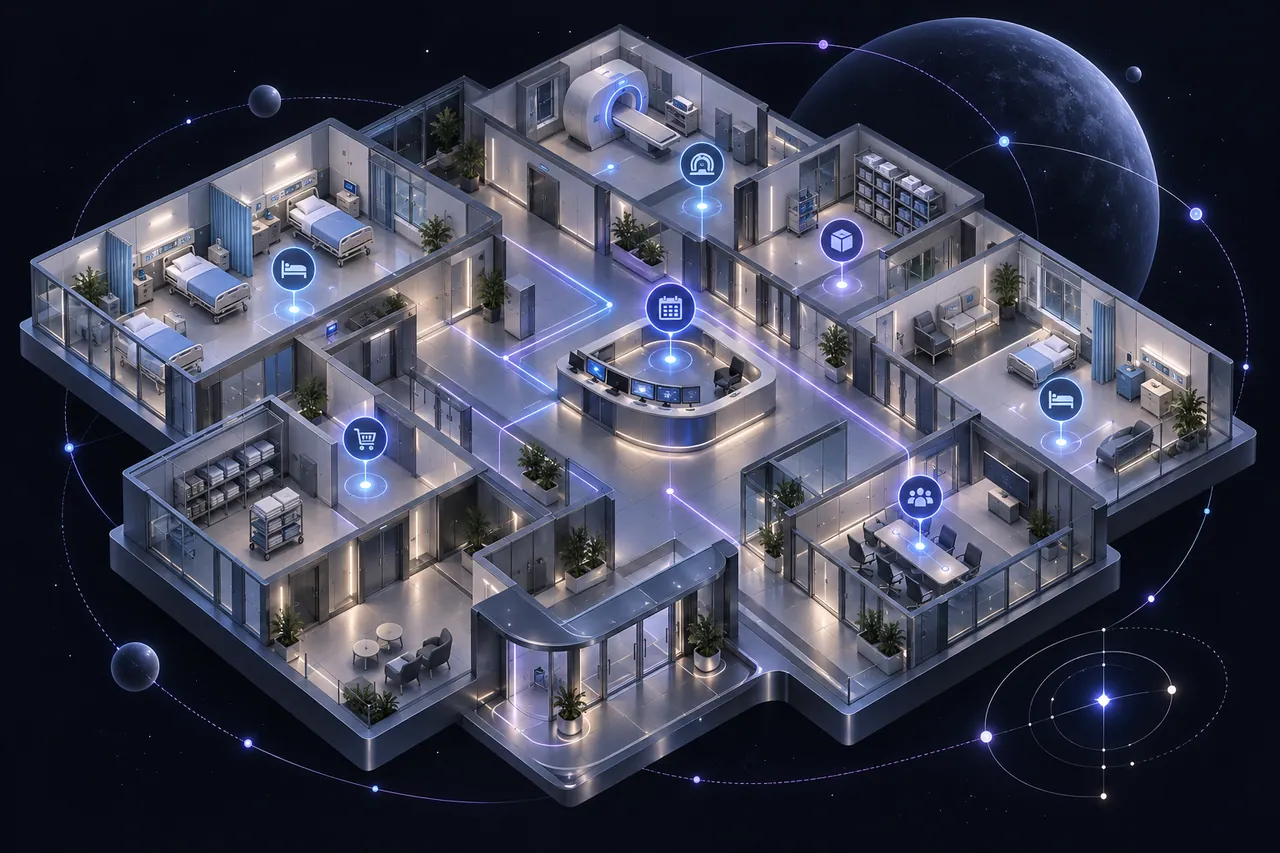
Patients, beds, staff, equipment, projects and risks in one operational view above existing hospital systems. Coordinators act sooner, and clinical decisions stay with clinicians.
Bed availability, staffing, equipment, supplies and schedules often live in different systems. When teams cannot see the same picture, they spend time reconciling information before deciding who should act next.
Specialist hospital, laboratory, imaging, staffing and sensor systems stay in place. The layer connects what coordinators need and gives each team a role-based view.
Connect
Agree the sources, permissions and operational definitions for one workflow, such as bed coordination.
Coordinate
Priorities, tasks, alerts and escalations reach the right team, with the source of each figure visible.
Review
Measure the workflow against a baseline and extend it only when the operating need is clear.

For a hospital COO or operations director, the value is less time spent reconciling, and a clear line from a signal to the person who owns it.
One shared picture. A coordinator can spot a bed constraint, see which resources are affected, assign a follow-up and record the response.
Figures you can trust. Source lineage, activity history, consistent patient identity and data-quality checks show where a number came from and who acted.
Clinicians stay in charge. The platform supports the work around the decision. It does not diagnose a patient or replace professional judgement.
These roles show how the use case fits the NatusAI architecture. They do not imply that a reference deployment used every product.
What you can buy today: a delivery engagement led by our team, built on the engine proven in our client projects, with NatusAI Lyra interfaces. Products marked Roadmap show where the platform is going; we share dates under NDA.
Status: a hospital operations concept with a public demo. We name no hospital deployment and no measured improvement. Indicators would be chosen with a hospital, compared with a baseline and tracked with evidence.
The demo opens spital360.ro, a Romanian demo site, in English. Explore the operating picture and role-based views yourself.
Live demo
Municipalities
Resident requests, public transport, parking and public works in one place.

Reference scenario
Facilities & real estate
Plan maintenance before equipment fails. Facility teams see the next priority and decide what gets done.

Reference scenario
Cross-industry service
Answer customer emails faster from approved knowledge; exceptions go to your team.
More answers on deployment, governance and pricing in our FAQ.
No. It supports the coordination work around a decision; it does not diagnose patients or replace professional judgement. Clinical functions need separate evaluation and professional validation before any clinical use.
No. Hospital information, laboratory, imaging, staffing and sensor systems stay in place. Integrations are scoped per hospital, and the operating picture sits above them.
With one workflow, such as bed coordination. Sources, permissions and definitions are agreed first; the workflow is measured against a baseline and extended only when the operating need is clear.
Choose one workflow, such as bed coordination or a resource bottleneck. We will help you build a reviewable first picture around it.
Or write to contact@natusai.com