Explorable 3D globe with live signal layers
  1. Home
  2. Use cases
  3. Global situational awareness
Situational awarenessDemo on request

Global situational awareness in one explorable view

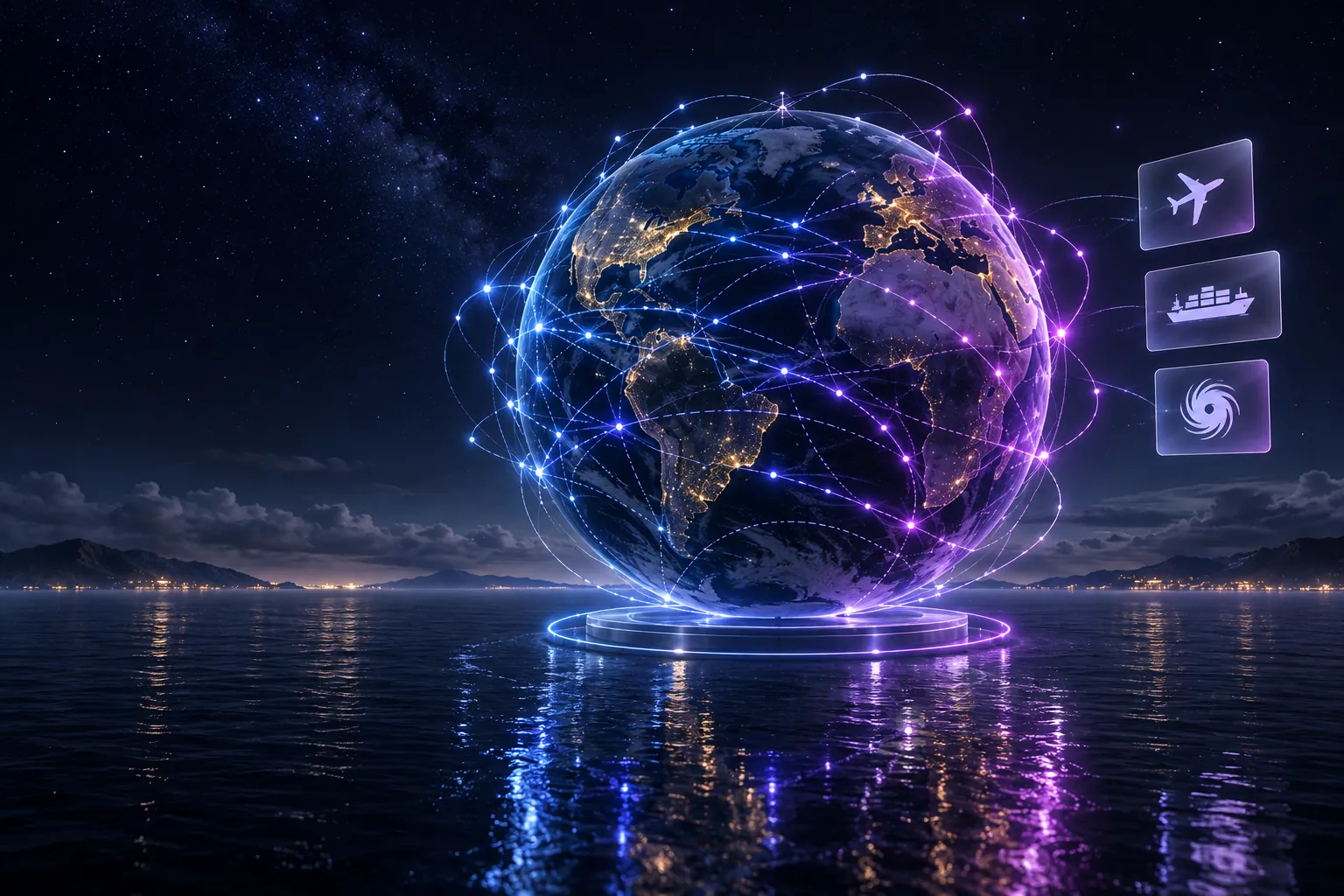
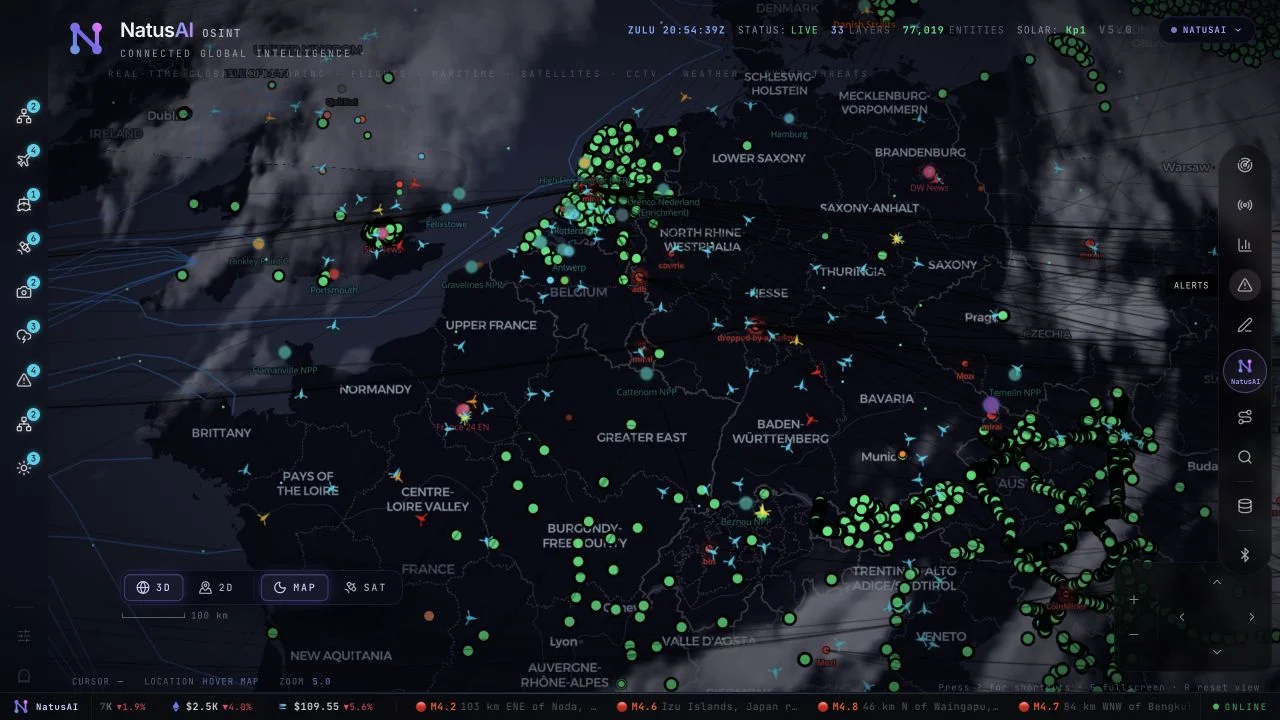
An explorable 3D globe brings live flight, shipping, satellite, seismic and weather signals into one browser view. Move from the whole world to a single signal, and question it by voice.

Status
Demonstration, on request
Runs
Locally in your browser, with code you can inspect and extend
Read with care
Live, simulated and estimated layers are kept distinct
The business problem

The signals exist. They live in different places.

Flight transponders, ship beacons, satellite orbits, seismographs and weather models already say a lot about the world. Teams that need one shared picture still switch between separate tools and feeds.

How it works

From the whole world to one signal

Each data layer is a separate module, so sources can be added or extended for a particular investigation.

  1. Combine

    Bring the signals together

    Flights, ships, satellites, earthquakes, fires and weather sit on one globe. Most feeds are live or refreshed regularly.

  2. Follow

    Lock on to what matters

    Click any tracked object to follow it with its trail and full metadata, see what is nearby, or hand off to the closest live public camera.

  3. Ask and share

    Question it, then share the scene

    Ask by voice to count, filter and rank what is in view. Answers say when a feed is stale. Save a view as a link or a replayable scene.
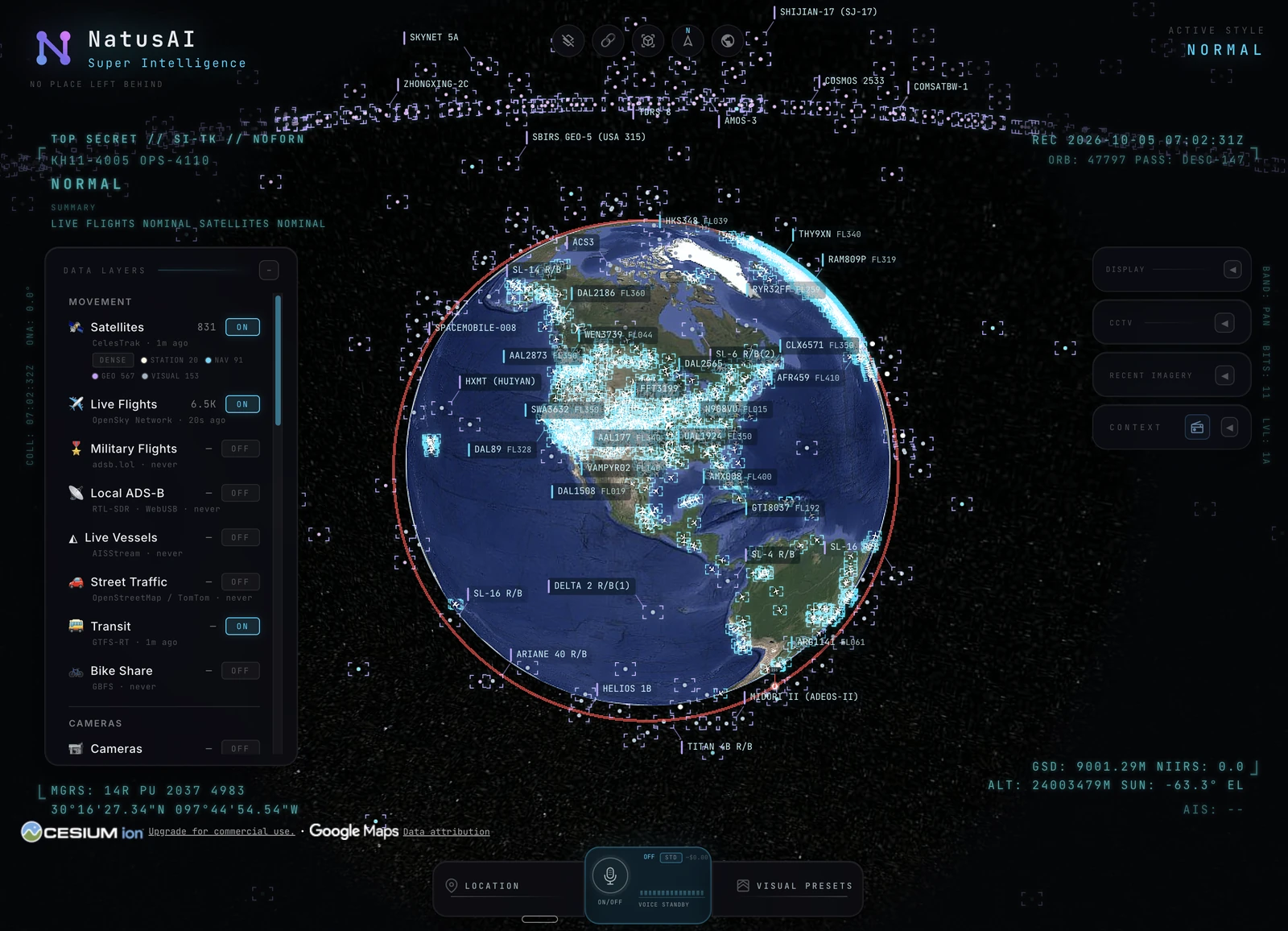
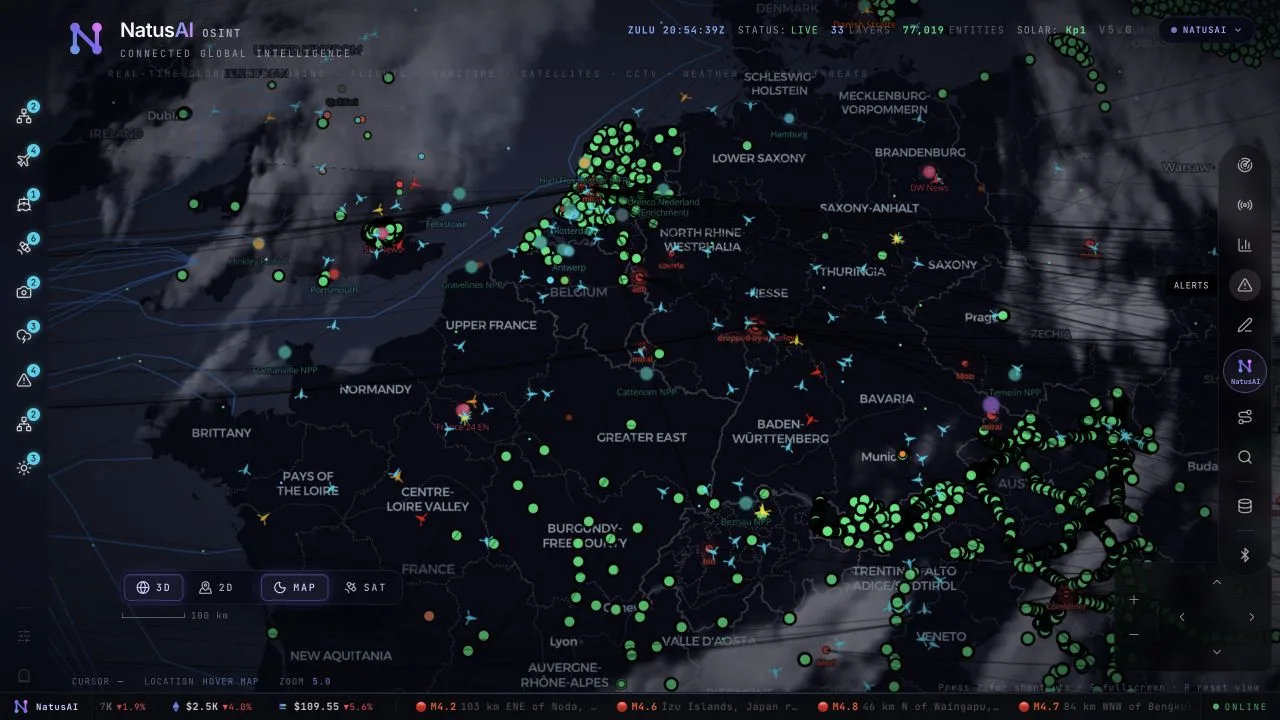
Browser view of the explorable globe with live layers
The explorable globe in the browser demonstration.

Global Intelligence · Demonstration

NatusAI Super Intelligence brings various signals into one explorable globe. Track the world live. Talk to it. Break it. Extend it.

Flight transponders, ship beacons, orbital elements, seismographs and public cameras already tell us a lot about the world. NatusAI Super Intelligence puts them in the same place, so you can move between a global picture and an individual aircraft, ship or street. It runs locally in your browser, with source code you can inspect and extend.

Move from the whole world to one signal

Each data layer is a separate module, so included sources can be extended. Most feeds are live or refreshed regularly. The scene also includes illustrative or estimated elements: road traffic is simulated along real roads using aggregate location data; CCTV camera poses and rocket trajectories are coarse estimates. Those distinctions matter when interpreting what appears on the globe.

Follow what matters

  • Cockpit view: ride inside a tracked flight; the camera holds the terrain under you all the way down.
  • Contacts: a 250 km roster of everything near your target: step through live aircraft and drop into any cockpit.
  • Click-to-track anything: the camera locks on, draws a fading trail and surfaces full metadata. A tracked fire or vessel hands you off to the nearest live camera in one click.
  • Voice whiteboard: speak annotations onto the world: real boundary polygons, marks and routes.
  • 3D hangar: real per-class aircraft models (787, ATR-72, Citation, Bell 206 and MQ-9). A tracked contact swaps from glyph to 3D model as you close in.

Choose your lens

  • Reskin reality: GLSL sensor looks over the normal globe: CRT, NVG, FLIR/thermal, Noir and Snow.
  • Detection overlay: screen-space bounding boxes and IDs on everything in view.
  • Military HUD: a tactical heads-up display with intelligence-style telemetry.
  • Global context: reveal the full picture with one switch, then restore the previous view.
  • Scene director: capture cinematic camera tours for clips and demos.
  • Share links: camera, style, layers and even one tracked target serialise into a URL; a live target is a handoff, not a bookmark.
  • Reset globe: one control, or one sentence, back to the full Earth.

Explore changing conditions

  • Weather: animate GFS or ECMWF forecast wind, replay observed radar, satellite clouds and lightning on one timeline, and follow NHC/CPHC cyclone tracks. No key needed.
  • Mapped ALPR cameras: licence-plate-reader camera locations tagged in OpenStreetMap, one city at a time. Locations and tags only; no key needed.
  • Satellite passes: ask by voice when any loaded satellite next rises over you: rise, peak and set times, and whether you can see it.
  • Analyst answers: count, filter and rank satellites, datacentres and dams by voice, alongside flights, ships, fires and quakes. Answers say when a feed is stale or on a fallback.
  • Tilt and north up: switch between straight-down and a 35° oblique, or put north at the top, while a tracked target stays centred.
  • Keyless search: type coordinates or a bundled city or landmark to fly there with no network request. Other names use Google when configured, then Photon and Nominatim.

Build and share a scene

  • Shareable scenes: import, preview and share Director scenes as files or bundles, with camera anchors, authored moves and data packs.
  • Flood scene: replay a flood event with its path, source reports and before-and-after imagery.

The globe is an exploratory interface, and the status of its sources remains visible. Live or regularly refreshed feeds, simulated traffic and estimated geometry should each be read on their own terms. The modular layers and inspectable browser code make it possible to examine a scene and extend it for a particular investigation.
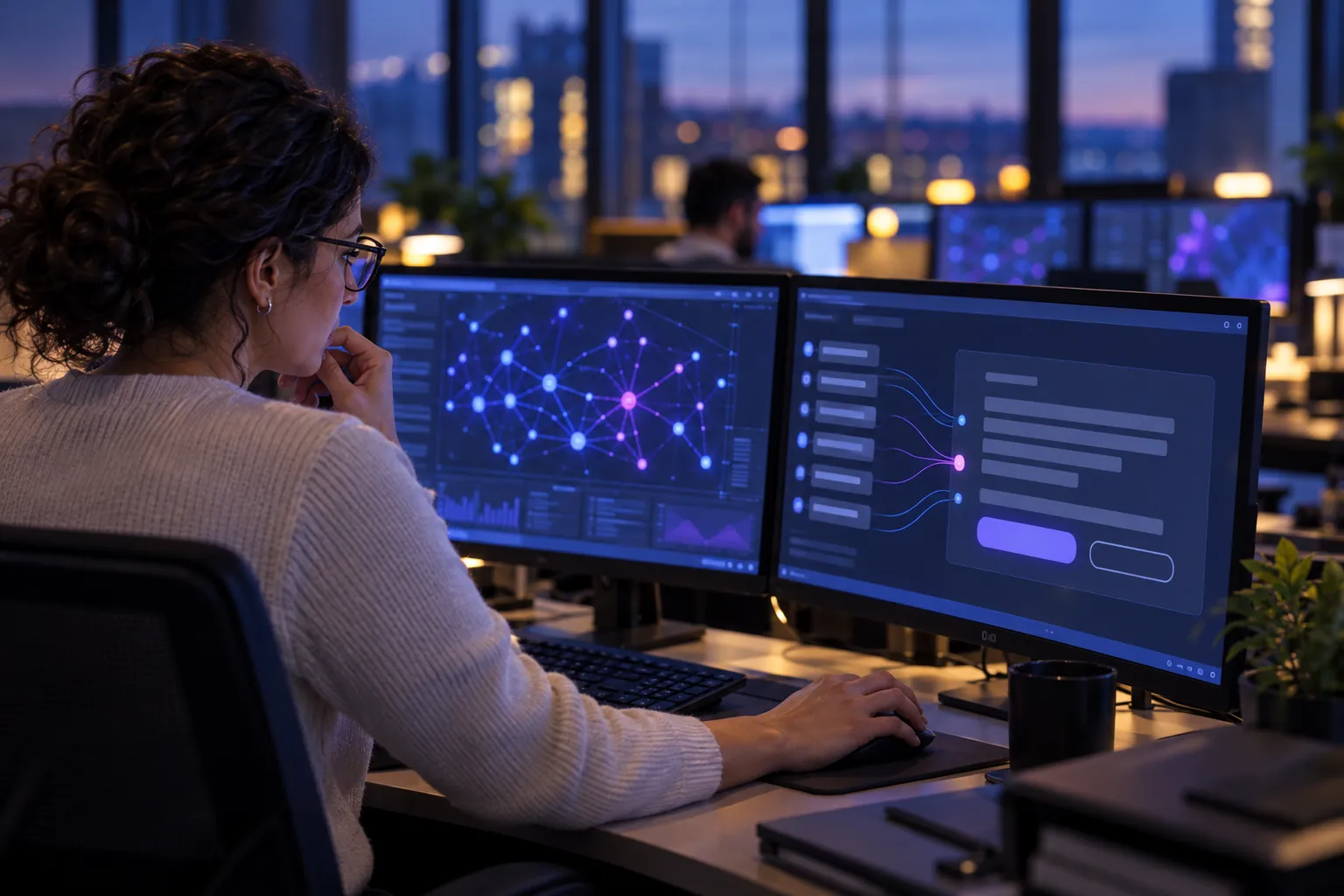
Analyst at a workstation reviewing a connected view of live signals
What leaders get

One shared picture, honestly labelled

For leaders in operations, risk and crisis response, the value is a faster common view of what is happening, with its limits in plain sight.

  • One view instead of many tools. Teams look at the same globe instead of reconciling separate feeds before they can talk.

  • Clear about what is real. Live feeds, simulated road traffic and estimated geometry are distinguished, so each is read on its own terms.

  • Built to be extended. Modular layers and inspectable browser code let your team examine a scene and adapt it to a specific investigation.

Delivery

How it is delivered

This is a standalone demonstration. We do not map it to a NatusAI product.

What you can see today: a guided demonstration on request. Use inside your organisation would be scoped as a delivery engagement led by our team.

Status: a demonstration, shown on request. It is not presented as a client deployment, and no performance figures are claimed.

Sovereignty, governance and security at NatusAI

For your technical team
  • Sources: flight transponders, ship beacons, orbital elements, seismographs and public cameras; weather from GFS or ECMWF forecast wind, observed radar, satellite clouds, lightning and NHC/CPHC cyclone tracks.
  • Runs locally in the browser. Each data layer is a separate, extendable module; most feeds are live or regularly refreshed.
  • Simulated or estimated elements: road traffic is simulated along real roads from aggregate location data; CCTV camera poses and rocket trajectories are coarse estimates.
  • Interaction: cockpit view, a 250 km contacts roster around a target, click-to-track with trails, a voice whiteboard, per-class 3D aircraft models, satellite-pass predictions, a 35° oblique tilt and north-up.
  • Sensor-style looks (CRT, night vision, thermal, noir, snow), detection overlays and a scene director for camera tours.
  • Sharing: camera, style, layers and one tracked target serialise into a URL; scenes export as files or bundles. A flood scene replays an event with source reports and before-and-after imagery.
  • Keyless search for coordinates and bundled places; other names use Google when configured, then Photon and Nominatim.
Demo on request

See the globe in a guided session

We run the demonstration with you and discuss which sources matter for your organisation.
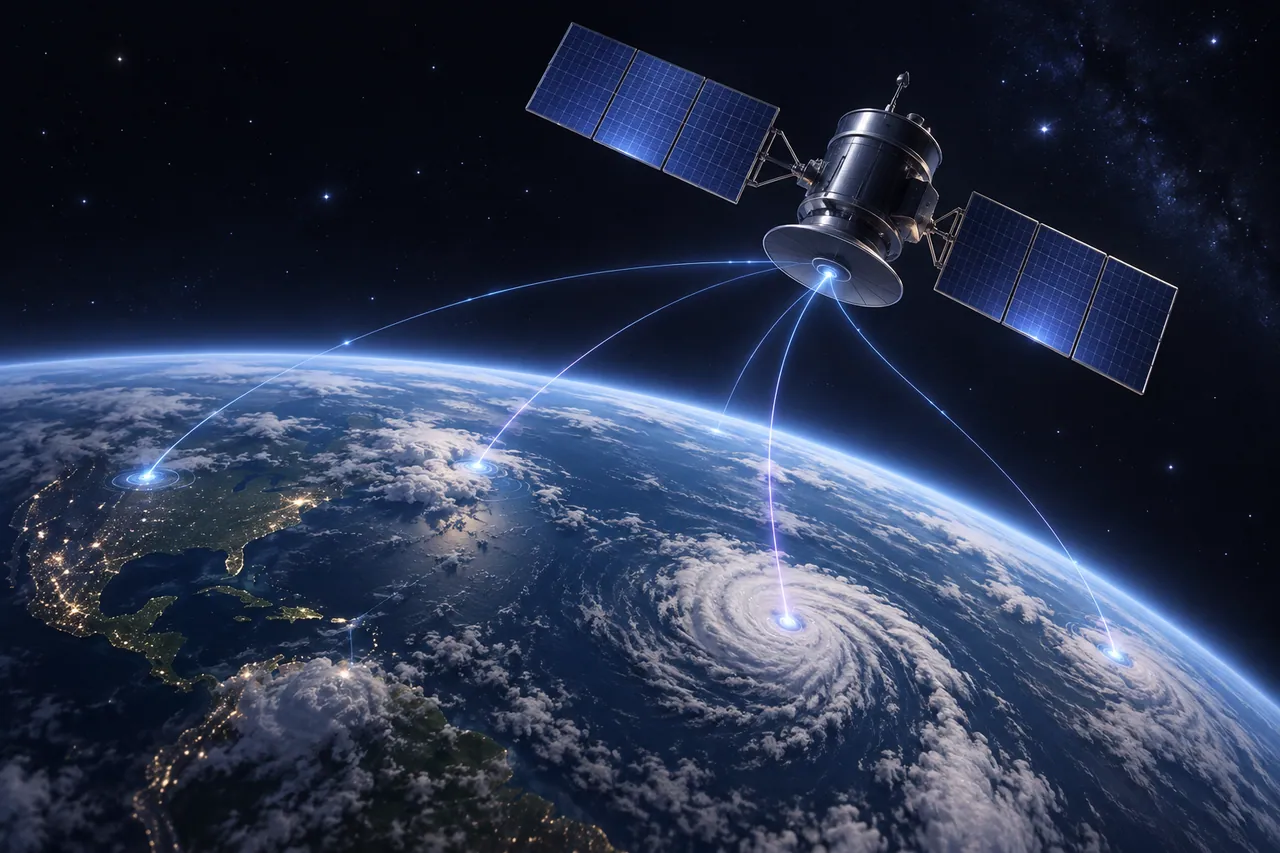
  • A guided tour of the layers, tracking and voice questions
  • Which signals fit your use case, and how they are sourced
Satellite and weather data render
Related use cases
All 22 use cases
Questions

Global situational awareness: questions leaders ask

More answers on deployment, governance and pricing in our FAQ.

Is everything on the globe live data?

No. Most feeds are live or refreshed regularly, but simulated road traffic and estimated geometry, such as camera poses and rocket trajectories, are marked so each layer is read on its own terms.

Where does the situational-awareness demonstration run?

Locally in your browser. Each data layer is a separate module, and the browser code can be inspected and extended for a particular investigation.

Is the 3D globe a client deployment?

No. It is a standalone demonstration, shown on request. No client deployment and no performance figures are claimed.

Talk to our team

Need one shared picture of what is happening?

Tell us which signals your teams watch today. We will show where a connected view helps and what it would take to run it in your environment.

  • Start with a scoped discovery phase that ends in a clear go / no-go decision.
  • Bring one real question; we show where AI helps and how we would measure it.

Or write to contact@natusai.com

A small leadership team reviewing a one-page result summary in a meeting room (illustrative image)